


Affiliate link — We may earn a commission when you use these offers, at no extra cost to you.

InboxKit
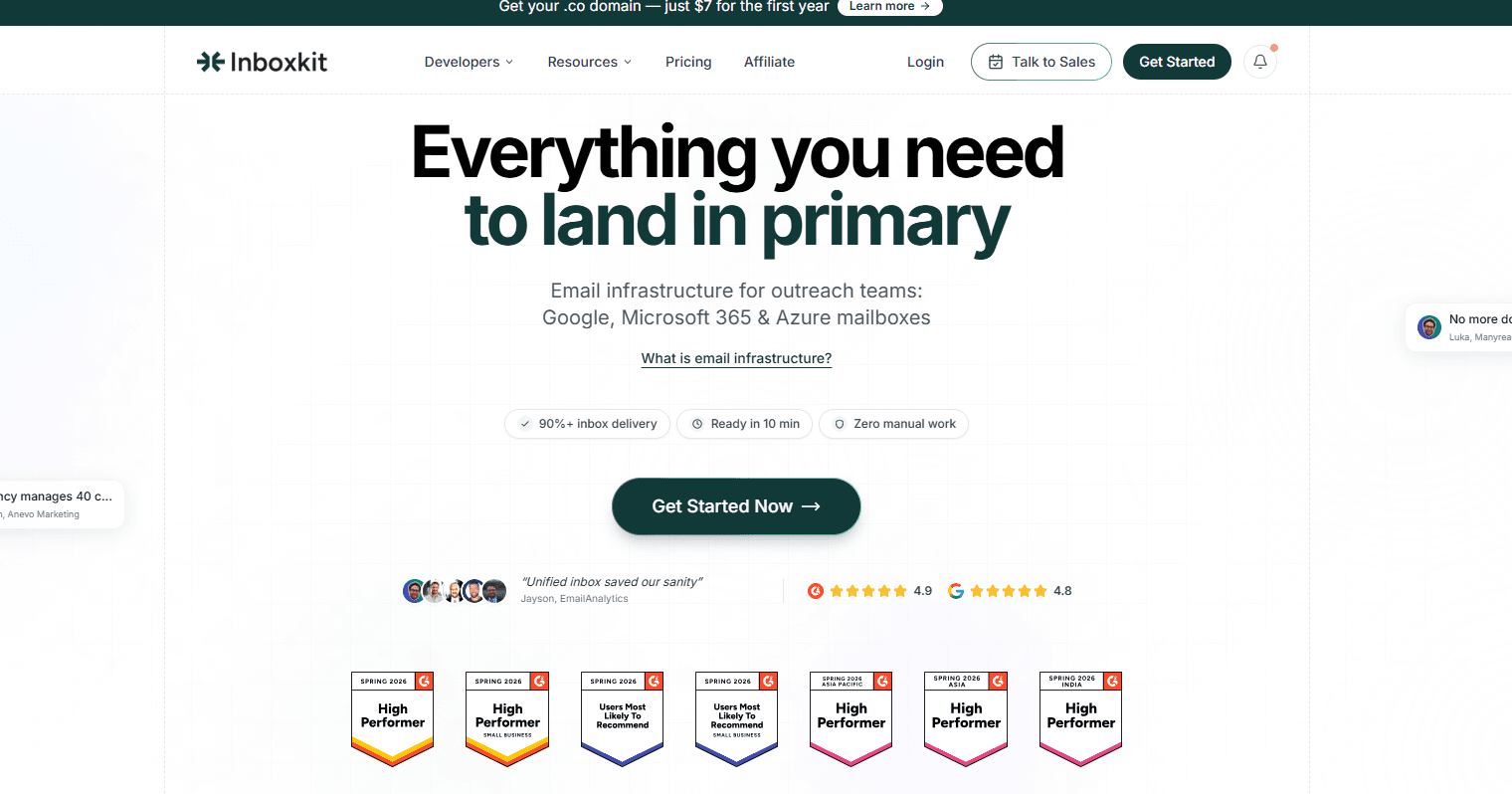
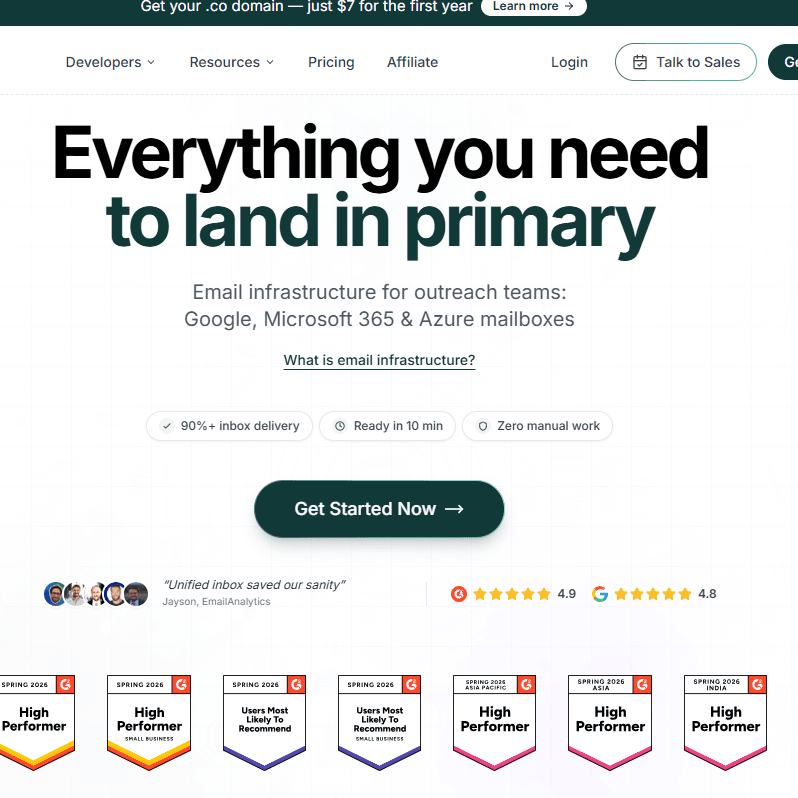
InboxKit is a cold email infrastructure provider. We review mailbox quality, pricing, deliverability, and API access. See how it compares to Zapmail, Mailforge & Maildoso before you buy.
4.8(102)AgenciesEnterprises
From $2.50 per mailbox per monthUpdated Sep 22, 2026
4.8
Coupons & Deals
Affiliate link — We may earn a commission when you use these offers, at no extra cost to you.
Featured Partner
AdYour brand here
Reach out to our active audience of discount shoppers, boost your sales and brand awareness.
High intent⚡ 0% Ad-block
Direct sponsor slots available for United States
Affiliate link — We may earn a commission when you use these offers, at no extra cost to you.
Affiliate link — We may earn a commission when you use these offers, at no extra cost to you.
Quick Verdict
- Best For
- Agencies, Enterprises
- Not Ideal For
- Solo operators who want full manual control over their own DNS setup
- Starting Price
- $2.50 per mailbox per month
- Delivery Time
- Under 12 hours
- Main Strength
- US-based infrastructure with human-verified DNS setup
- Trust Score
- 96%
Overview
InboxKit is a cold email infrastructure platform trusted by organizations including PwC, Zendesk, Merck Group, and Smartlead for provisioning official Google Workspace, Microsoft 365, and Azure mailboxes built specifically for outbound outreach.
The platform automates every technical layer of email infrastructure, including SPF, DKIM, and DMARC configuration, US-based IP assignment, AI-powered warmup, domain isolation, and real-time deliverability monitoring, all accessible from a single dashboard.
InboxKit is best suited for agencies, SDR teams, and outreach platforms that need to scale mailboxes quickly without manual DNS work, with plans starting at $39 per month.
Pricing
InboxKit offers three plans: the Professional plan at $39 per month includes 10 mailboxes with add-ons at $3.50 each; the Agency plan at $99 per month includes 30 mailboxes with add-ons at $3.25 each; and the Enterprise plan at $299 per month includes 100 mailboxes with add-ons at $2.99 each. Every plan includes automated DNS setup, official Google and Microsoft accounts, 95% inbox delivery, full API and webhook access, unlimited users, and 24/7 priority support. Warmup is available as a separate add-on at $3 per mailbox per month, and InfraGuard monitoring is available with the first month free.
What Makes InboxKit Different from Standard Email Providers
Most cold email practitioners set up Google Workspace or Microsoft 365 accounts manually, which involves navigating registrar DNS panels, waiting for record propagation, and hoping configurations are correct before sending.
InboxKit removes that entire process by acting as an official Google Cloud partner that provisions and configures mailboxes on your behalf.
The result is a fully authenticated, reputation-clean mailbox ready to send in under 10 minutes rather than hours or days.
A less obvious but important distinction is the domain isolation architecture. Each domain you manage inside InboxKit receives its own dedicated admin panel.
If one domain gets flagged, suspended, or blacklisted, the damage does not spread to other domains in your account.
This is particularly valuable for agencies managing outreach across multiple clients, where a single reputation incident on one client's domain could otherwise contaminate shared infrastructure.
InboxKit also recently added Azure mailboxes as an enterprise-grade Microsoft 365 option, expanding beyond standard Workspace and 365 accounts.
This gives larger teams access to Azure-hosted infrastructure with the same automated setup and warmup features.
InboxKit Integrations and Sending Workflow
InboxKit is not a sending tool. It is infrastructure that sits behind your existing outreach platform. Once mailboxes are provisioned and warmed, you connect them to your sequencer of choice via SMTP or API.
The platform supports over 15 tools natively, including Instantly, Smartlead, Lemlist, Apollo, HubSpot, Salesforce, and SalesForge.
This separation of infrastructure from sequencing is intentional. Teams that already have a preferred sending tool do not need to migrate their workflows.
They simply point their sequencer at InboxKit-managed mailboxes and benefit from improved deliverability without changing how they write or schedule campaigns.
Full API access and webhook support also allow engineering teams to build custom integrations or automate mailbox provisioning as part of a larger outreach stack.
Features
- Official Google Workspace, Microsoft 365, and Azure mailbox provisioning
- Automated SPF, DKIM, and DMARC configuration with zero manual setup
- US-based IP infrastructure for improved sender reputation
- Dedicated isolated admin panel per domain to prevent cross-contamination
- AI-powered 14-day warmup with smart volume ramping from 2 to 40 emails per day
- Bulk mailbox creation via CSV import or AI generation for agencies
- 15+ native integrations including Instantly, Smartlead, Lemlist, Apollo, and HubSpot
- InfraGuard protection suite with blacklist monitoring, DNS watchdog, and inbox placement tests
Features & Specifications
- 5/5
Inbox Provision
Provides inboxes instead of BYO
InboxKit vs. other saas tools brands
| Brand | Best current offer | Verified |
|---|---|---|
 FlikiAi FlikiAi | 40% Off | Yes |
 Premium Inboxes Premium Inboxes | — | — |