
Premium Inboxes Review 2026: Pricing, Pros, Cons and Verified Promo Code
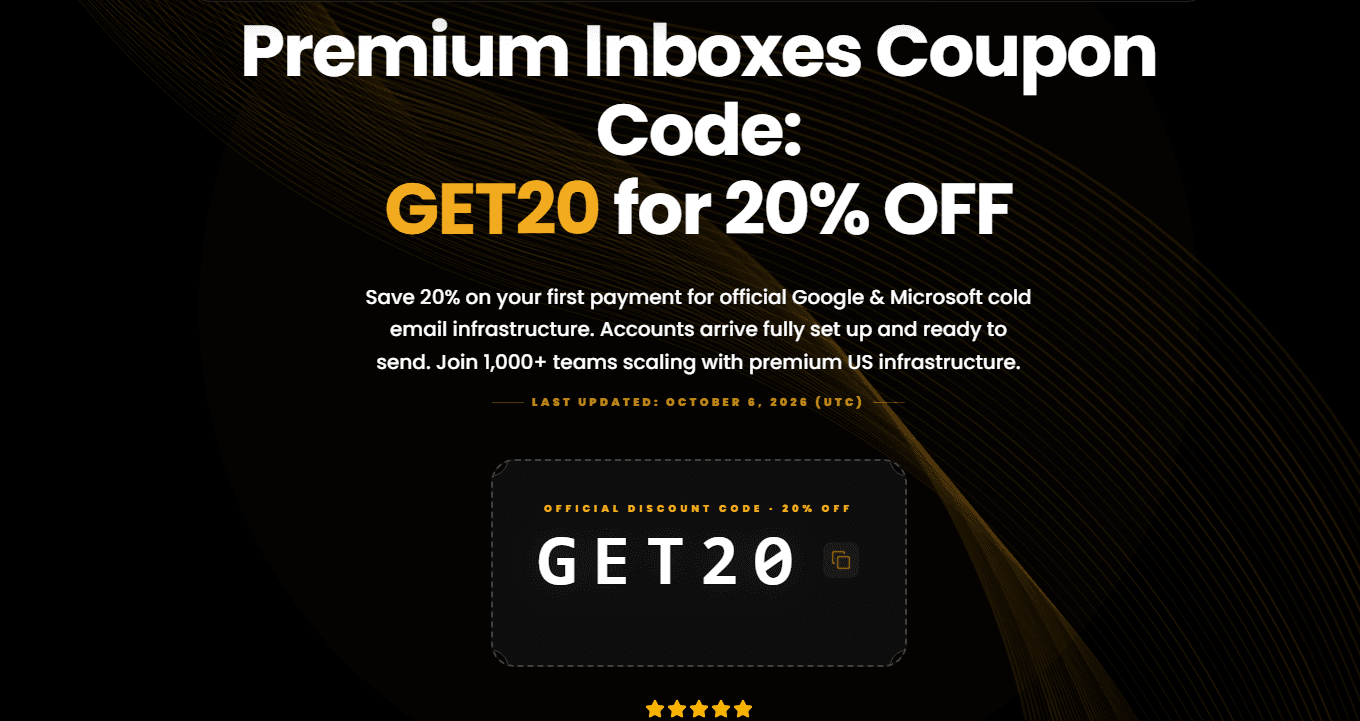
Save 20% on your first payment for official Google & Microsoft cold email infrastructure. Accounts arrive fully set up and ready to send. Join 1,000+ teams scaling with premium US infrastructure.
Premium Inboxes Review 2026
Premium Inboxes has hundreds of five-star reviews on Trustpilot, and that alone makes it look like an easy choice. But Trustpilot reviews rarely tell you what happens when you scale past 100 inboxes, when Microsoft accounts start dropping, or when you find out there's no API and no refund policy. This review covers the strengths, the weaknesses, and who the service actually suits.
Quick verdict: Premium Inboxes is one of the best managed inbox providers for teams running under 250 cold email inboxes. Its DNS setup, Google Workspace delivery, and personal support stand out. It's a weaker fit for large agencies, heavy Microsoft senders, and anyone who needs an API.
Save 20% with code GET20 at checkout:
Get Premium Inboxes →
What Is Premium Inboxes?
Premium Inboxes is a managed inbox provider built for cold email. You pay per inbox, per month. In return, they buy the domains, configure SPF, DKIM, and DMARC, set up Google Workspace or Microsoft 365 accounts, and deliver inboxes that are ready to connect to your sending tool.
The main benefit is time. Setting up one properly authenticated cold email inbox takes 20 to 30 minutes if you know what you're doing, and one misconfigured SPF record can send every email straight to spam. Premium Inboxes says its engineers check DNS records manually instead of relying on scripts, and inboxes typically arrive within [6 to 12 hours]. There are no setup fees, contracts, or platform charges.
The founder, Richard Illingworth, is mentioned by name in many customer reviews. That's unusual for a service like this, and it suggests you'll reach a real person when something goes wrong.
Premium Inboxes Pricing in 2026
Premium Inboxes uses per-inbox monthly pricing across four plans.
Startup Plan
The Startup plan costs $3.50 per inbox and covers 1 to 249 inboxes. It suits solo founders and small sales teams. It includes full DNS setup, a real-time dashboard, direct upload to your sequencer, and unlimited replacement inboxes.
50 inboxes cost $175 a month.
Growth Plan
The Growth plan costs $3.00 per inbox for 250 to 1,249 inboxes. The features are the same, with a volume discount that mid-size agencies will appreciate.
300 inboxes cost $900 a month.
Enterprise Plan
The Enterprise plan costs $2.80 per inbox for 1,250 or more inboxes. It adds a dedicated account manager, a dedicated Slack channel, and priority support.
Premium Inboxes Coupon Code
With code GET20, you get 20% off.
Get Premium Inboxes with GET20 →
For comparison, buying Google Workspace directly costs about [$7.20] per user per month. That looks like a lot at first glance, but once you add domain purchases of $10 to $15 each, DNS setup time, and troubleshooting, the managed route often works out cheaper in practice.
What Premium Inboxes Does Well
Manually Verified DNS
Authentication problems are one of the most common reasons cold emails land in spam. Because every SPF, DKIM, and DMARC record is checked by a person before delivery, you avoid issues that can take weeks to diagnose later.
Reliable Google Workspace Inboxes
Reviewers on Trustpilot and Reddit's r/coldemail consistently report good inbox placement on Google accounts. That matters for B2B outreach, where most recipients are on Google or Microsoft.
Personal Support
Many reviewers praise the support team by name, and higher tiers get a dedicated Slack channel. Fast, human help makes a real difference when you're running live campaigns.
Unlimited Replacements
Inboxes burn out in cold email, and that's normal. Premium Inboxes offers unlimited replacements on all plans, which can save a lot of money over a quarter if you send aggressively.
Fast Delivery
When a client needs a new campaign live by Friday, waiting two days for inboxes is a problem. Provisioning within hours keeps you on schedule.
Where Premium Inboxes Falls Short
Microsoft 365 Inboxes Can Be Unstable
This is the most consistent complaint in less prominent reviews. Google Workspace accounts hold up well, but Microsoft accounts can disconnect at higher volumes.
If your strategy depends on Outlook, test a small batch before ordering 200 accounts, and ask the team about Microsoft stability at your volume.
There's No API
For a founder running 20 inboxes, that's fine. For an agency managing 500 or more across several clients, it's a serious limitation.
You can't provision inboxes, swap flagged accounts, or pull reports programmatically, so everything goes through their team manually.
There's No Refund Policy
If an inbox fails after setup, you're still charged. Unlimited replacements soften this, but if you decide the service isn't for you after the first month, don't expect your money back.
Read the terms carefully before you buy.
Scaling Gets Harder Past a Few Hundred Inboxes
Support is strongest at smaller volumes. With no API and a growing dependency on their team, larger agencies report feeling constrained.
The service is built for managed, high-touch, small-to-mid-scale operations.
There's No Inbox Health Monitoring
You can't see bounce rates or reputation data per inbox inside Premium Inboxes. You'll rely on your sequencer, such as Instantly, Smartlead, or Lemlist.
Most users will be fine with that, but operators who want full visibility may find it a blind spot.
How Premium Inboxes Compares to Alternatives
Premium Inboxes vs. DIY Google Workspace
Compared with DIY Google Workspace, Premium Inboxes costs less per inbox and removes hours of technical setup.
For under 100 inboxes, that can save 15 to 25 hours of work. At 500 or more, the loss of control starts to matter more.
Premium Inboxes vs. Infraforge
Compared with Infraforge, Premium Inboxes wins on support and ease of use.
Infraforge gives you more flexibility and suits technical teams at scale.
Premium Inboxes vs. Other Managed Inbox Providers
Compared with the managed inbox offerings from sending tools like Instantly, Premium Inboxes is infrastructure-first.
That shows in its DNS quality and delivery speed.
Frequently Asked Questions
Is Premium Inboxes Legit?
Yes. It has a large number of positive Trustpilot reviews. No provider is perfect, though, so weigh the downsides above before you buy.
Is There a Premium Inboxes Discount Code?
Yes. Use code GET20 at checkout for 20% off.
Does Premium Inboxes Have an API?
No public API is advertised. All provisioning is handled by their team.
Does Premium Inboxes Offer Refunds?
Based on user reports, no. Failed inboxes are replaced, but payments aren't refunded.
How Long Does Delivery Take?
Typically [6 to 12 hours], though other sources report longer, so plan ahead for large orders.
Are Google or Microsoft Inboxes Better?
Google Workspace inboxes receive more consistent feedback. Test Microsoft inboxes in a small batch first.
For most teams getting started or running mid-scale campaigns, it's one of the strongest options available.
Ready to Try Premium Inboxes?
Use code GET20 for 20% off.